
Dashboard
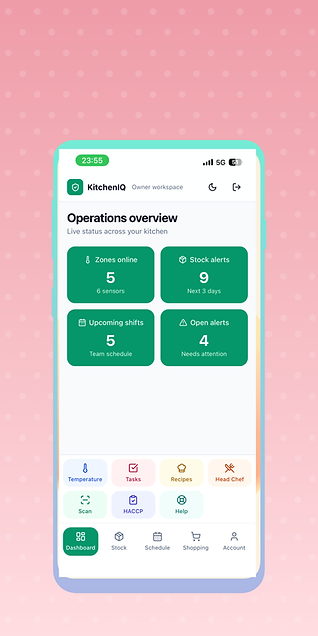
Operations overview
A live command center showing zones online, stock alerts, upcoming shifts, and open alerts — so you always know the state of your kitchen at a glance.
Every screen of the KitchenIQ app, explained — from live temperature monitoring to AI-powered recipes. Here's what your team gets after purchase.
A live command center showing zones online, stock alerts, upcoming shifts, and open alerts — so you always know the state of your kitchen at a glance.
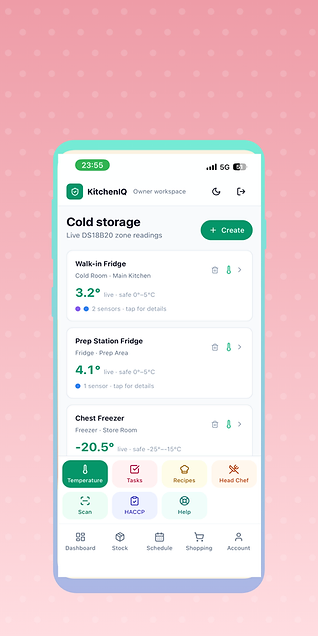
Real-time readings from every zone — walk-in fridge, prep station, chest freezer — with safe-range indicators and instant alerts when temperatures drift.
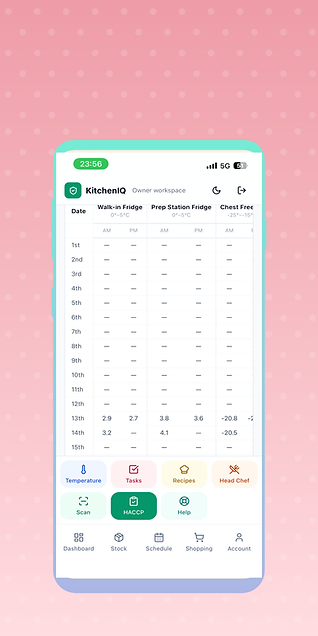
Automatic AM/PM temperature logging across all storage zones, ready for inspection — no more paper checklists or manual entry.
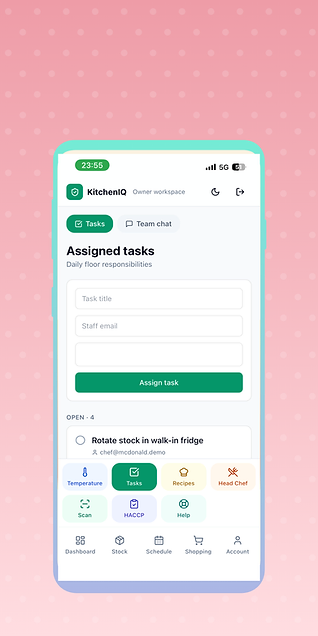
Assign daily floor responsibilities to your team by email, track open tasks, and keep everyone accountable from one simple list.
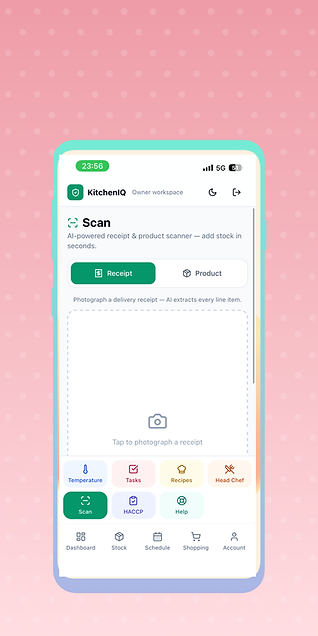
Photograph a delivery receipt and AI extracts every line item into your stock in seconds — no manual data entry, no missed items.
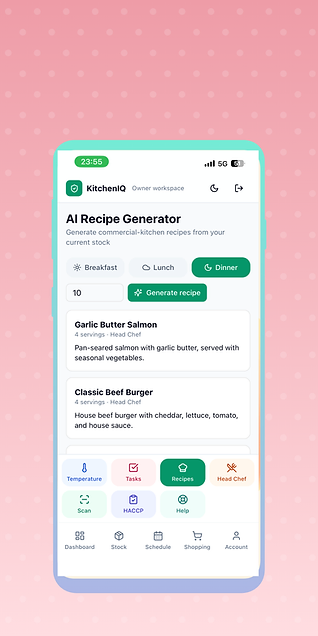
Generate commercial-kitchen recipes from your current stock. Pick a meal category and serving count, and get ready-to-cook recipes instantly.
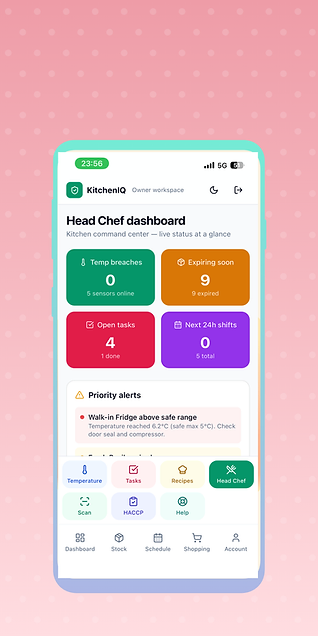
A kitchen command center with temp breaches, expiring stock, open tasks, and upcoming shifts — plus priority alerts when something needs attention.
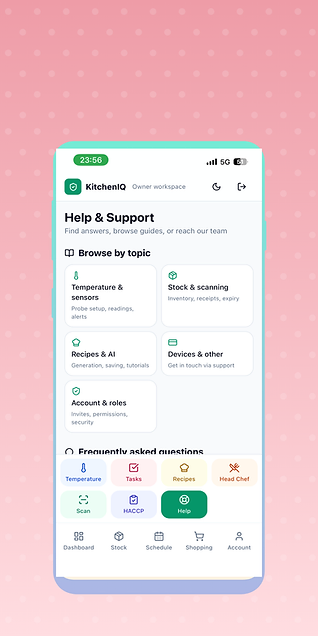
Browse guides by topic — sensors, stock, recipes, devices, and account — or reach our team directly, all from inside the app.
Choose your hardware and subscription, then unlock the full app.


